ArcLight: Live Video, Built Like a Slide Deck
I got tired of juggling scene software and a slide deck every time I went on camera. So I built the tool I wanted: build it like a deck, then press play.
There’s a popular piece of software called OBS. It lets you stream or record your camera, screen, and graphics as video. It’s incredibly powerful, but it’s very poorly designed. I’ve always wanted something focused on the story you’re trying to tell.
Think about the last time you presented on Zoom. You probably shared your screen and immediately disappeared. Your face became a postage stamp in the corner, or vanished altogether. The audience got a slide and a voice. That’s not a show. It’s a failure of software to support the storyteller.
The fix today is to go learn scene software like OBS, which thinks in sources, scenes, and filters. Meanwhile your actual story lives in Keynote or PowerPoint, which think in slides. So you end up running two apps, alt-tabbing between them, and hoping you don’t click the wrong thing while people watch.
I’ve been doing this juggling act since I started making YouTube videos during the Covid years. I made it work, but it wasn’t great. Building software to solve it seemed impossible. Tools like OBS were built over years by teams of open source developers. AI coding tools have gotten really impressive, but I never would have imagined I could build this in a few weekends.
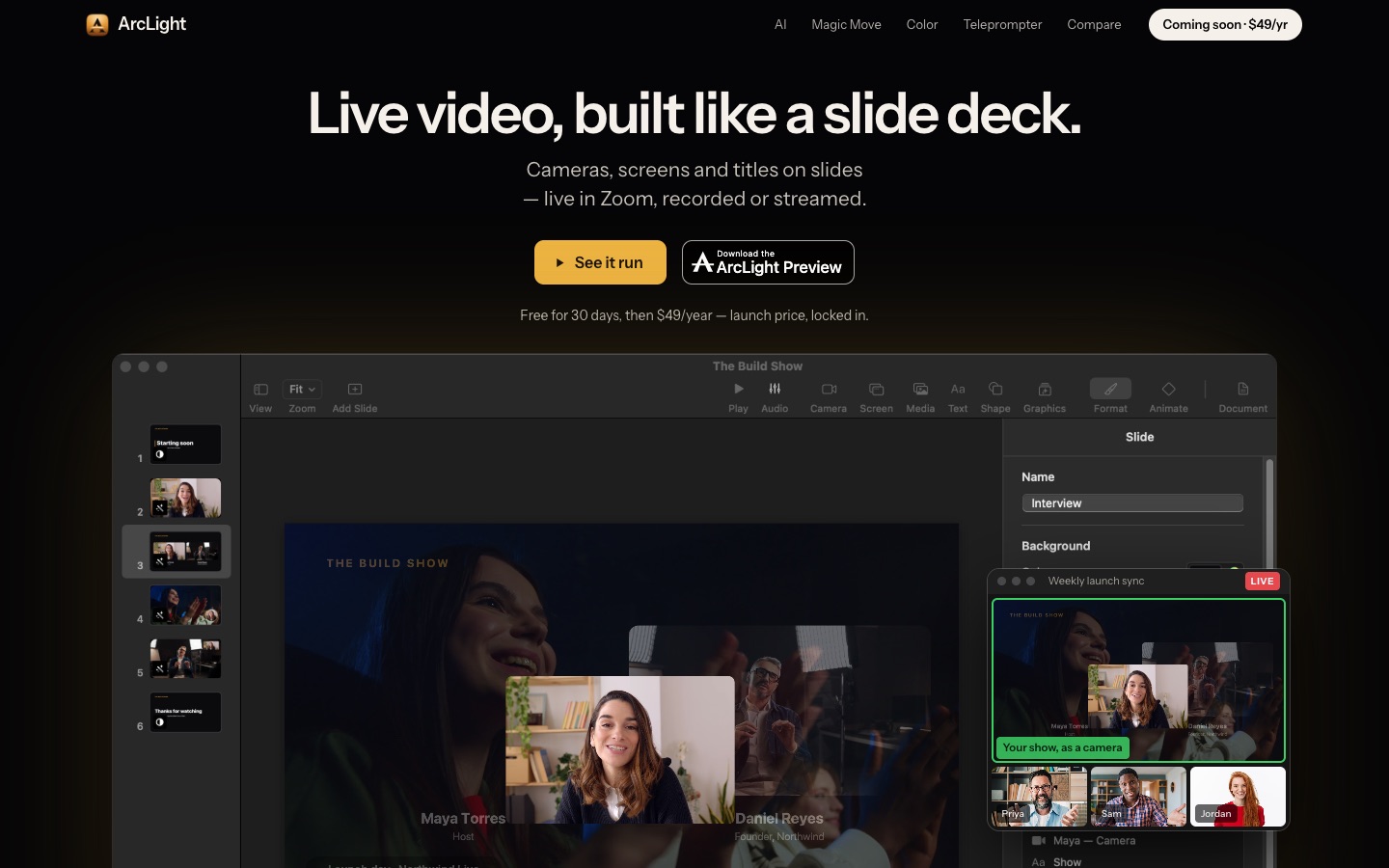
So I built it. It’s called ArcLight, and it’s a Mac app that turns slides into live video.
Build it like a deck, then press play
Here’s the whole idea in one sentence: every scene is a slide.
You put cameras, screens, and titles on a slide the same way you’d drop an image into Keynote. Snapping guides, builds on click, transitions. The controls you already know. Then you press play, and the output is your show, live.
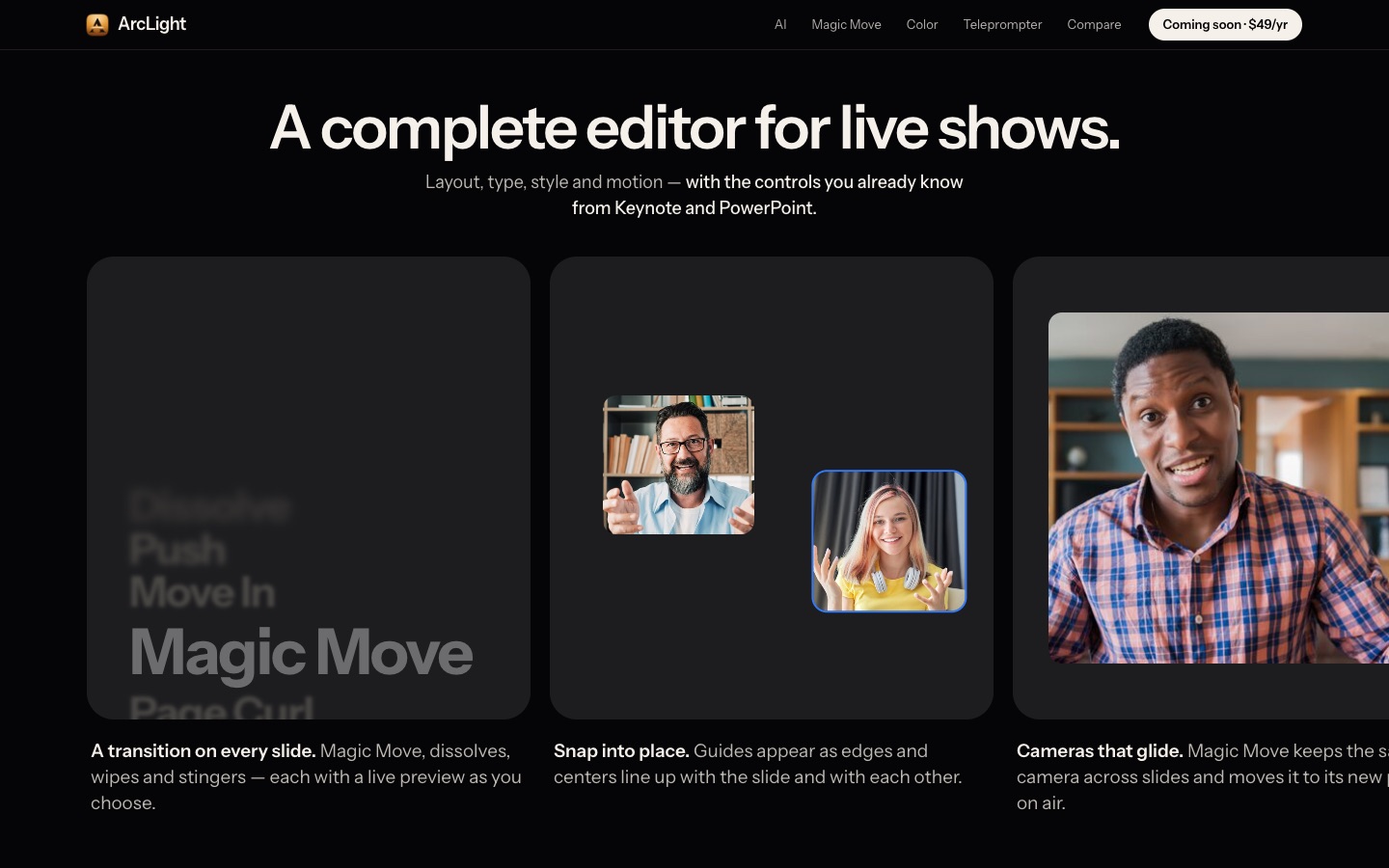
Folks who have built a slide deck already know how to produce a live show. They just didn’t have a tool that let them.
Magic Move, but for live cameras
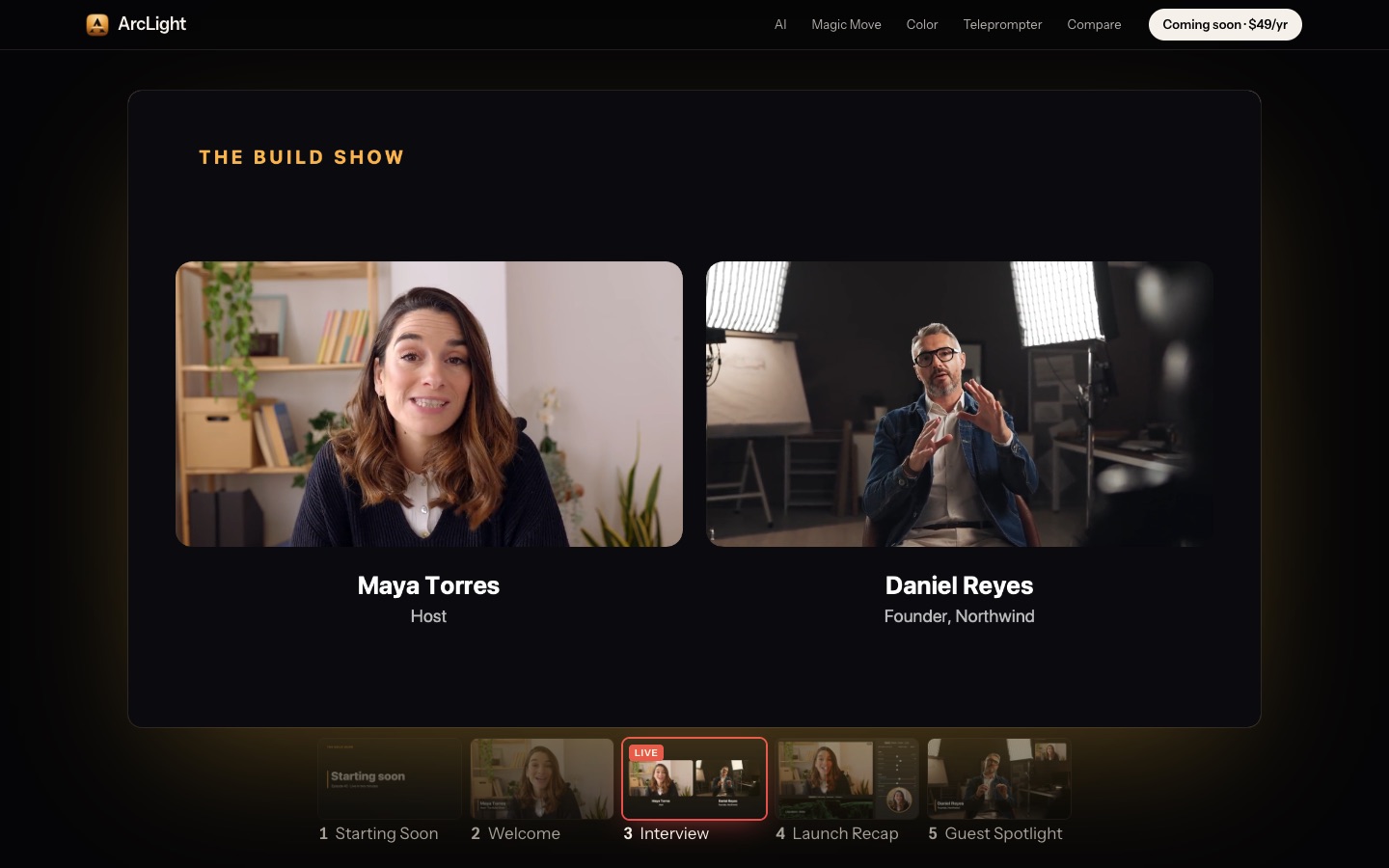
This is the feature that made me smile the first time it worked. Keynote’s Magic Move animates objects between slides. ArcLight does the same thing, except the objects are live cameras.
Press the arrow key and your host slides over, a guest glides in, and the lower thirds follow. No cutting. No fade to black. It looks like you hired a production crew.
Your show, as a camera
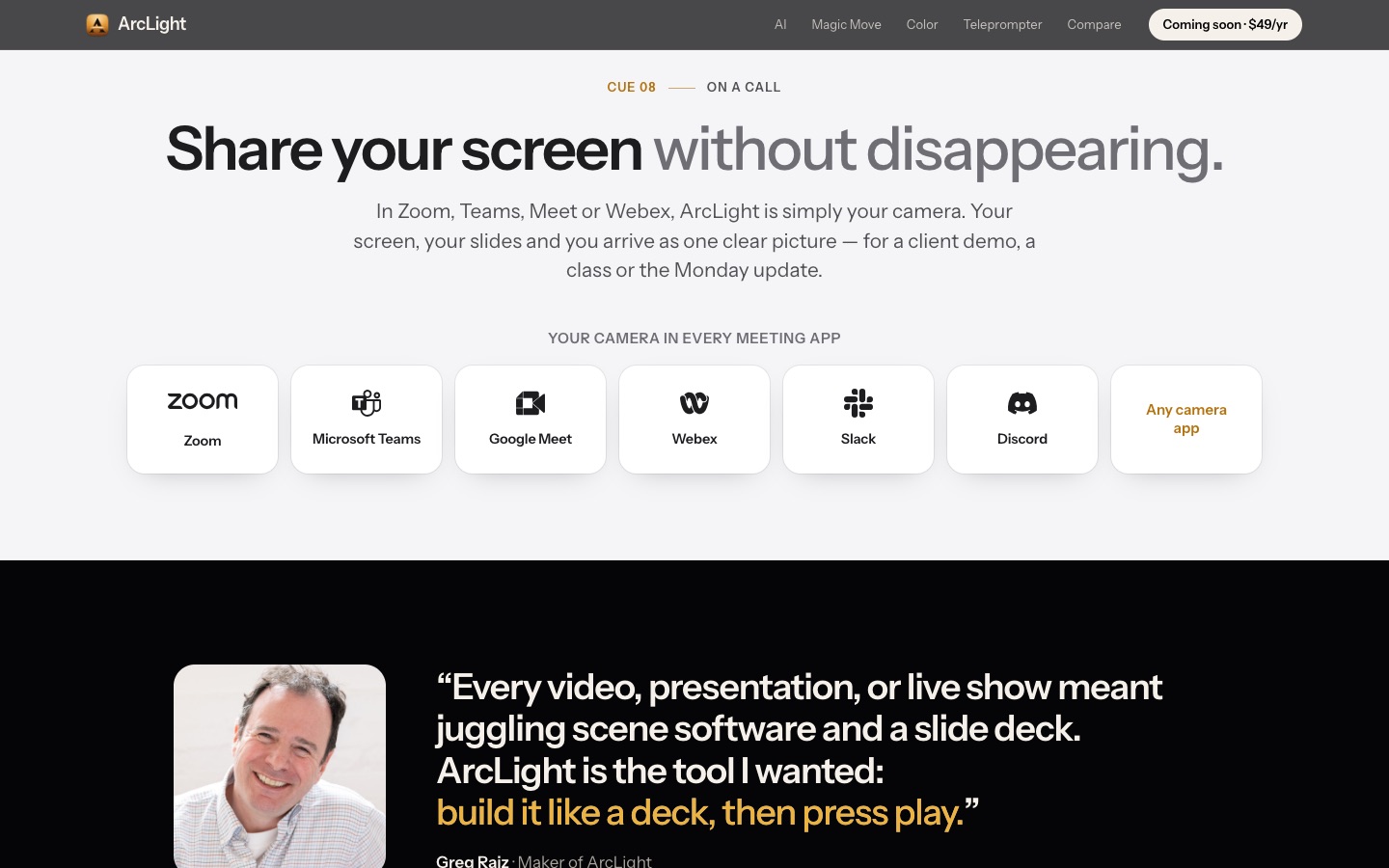
The part I care most about is where the show goes. ArcLight shows up as a camera in Zoom, Teams, Meet, Webex, Slack, and Discord. Your screen, your slides, and you arrive as one clean picture. You stop disappearing when you share your screen.
It also streams over RTMP to YouTube, Twitch, and LinkedIn, records straight to a finished .mov, and drives a projector with a presenter view on your laptop. One renderer feeds all of it.
A teleprompter under the lens
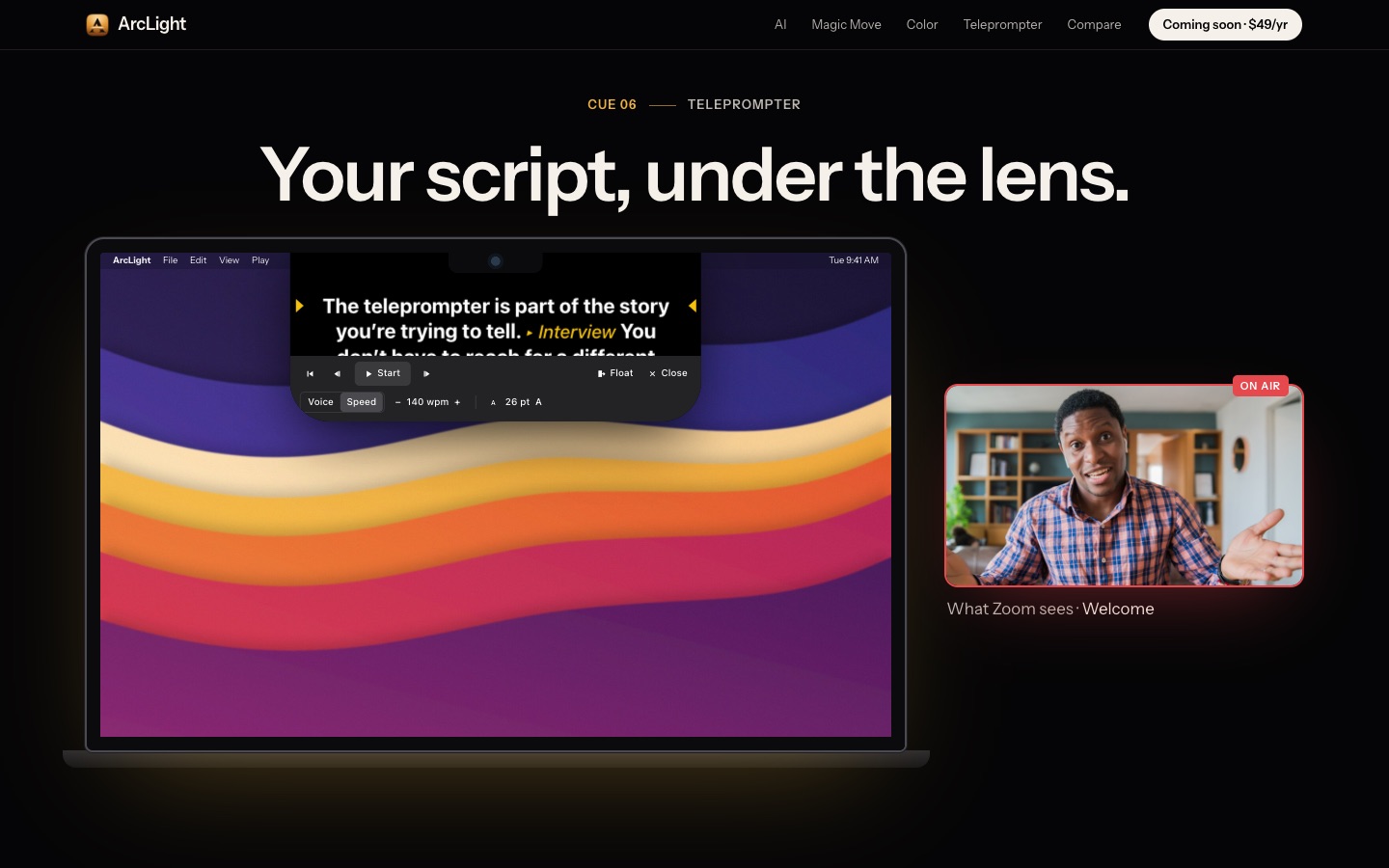
Looking at your notes means looking away from the camera. So the teleprompter docks right under the MacBook notch, where your eyes are already pointed at the lens. Cues in the script can advance slides, and it can follow your voice.
Your AI is the co-host
I’ve written a lot lately about AI agents doing real work, not just writing code. ArcLight is built AI-first. It speaks MCP, so Claude (or any MCP client) can build slides, write the script, take the next slide live, and watch the program output with you.
The key is trust. Every change the agent makes is outlined on the canvas and one Undo away. You stay the director. The AI is the crew.
Built for the Mac, private by design
ArcLight is native Swift on Metal. No browser engine, no cloud. On my MacBook, a seven-slide show with a camera runs at around 6% CPU, and you can stack sixteen real-time effects without missing a beat. Color grading comes with real scopes and LUTs, and background blur or removal works without a green screen.
Try it
The ArcLight Preview is free for 30 days with every feature on. After that it’s $49 a year, and the launch price is locked in. It needs macOS 14 or later.
I’d love to hear what you build with it. Come tell me on r/arclightlive, or just send me a note.
Your show is one keystroke away.
Comments powered by Disqus.